Merge, split, and extract PDF pages without uploading files
How to choose the right RotatePDF tool when you need to combine documents or pull out specific pages.
 RotatePDF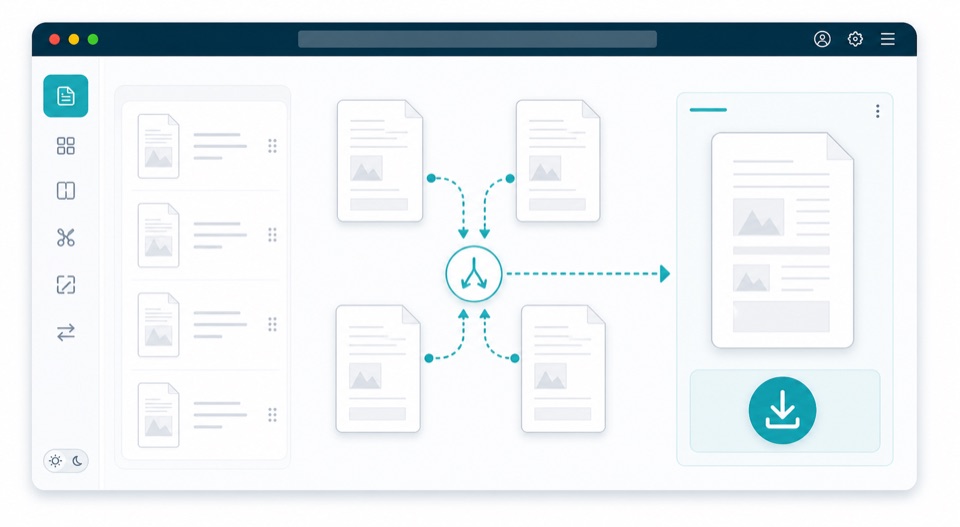
Most PDF cleanup tasks are really page organization tasks. You may need one combined packet, a smaller excerpt, or a file with a few pages removed. RotatePDF keeps those jobs separate so each tool stays simple.
Merge PDFs
Use merge when several files belong together: invoices, signed pages, attachments, or chapters. Add at least two PDFs, arrange them in the order you want, and download one combined file.
Split or extract pages
Use split when a large PDF needs to become multiple smaller files. Use extract when you only need selected pages in a new PDF. Both workflows are useful for sharing a narrow section of a long document.
Delete and reorder pages
Use delete pages when you need to remove blanks, duplicates, or irrelevant pages. Use reorder pages when the right pages are present but the sequence is wrong.
Privacy note
The public tools run in your browser. Your files stay on your device while RotatePDF prepares previews and exports the result.