Number PDF pages without uploading the document
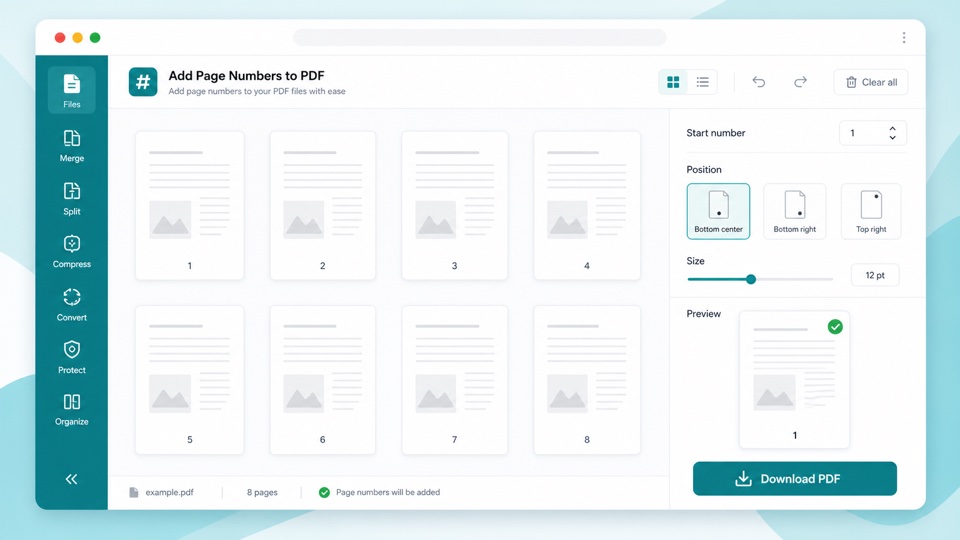
Page numbers make longer PDFs easier to review, print, cite, and share. This tool adds simple numeric labels to every page and creates a new PDF.
You can start from any number, place the numbers at the bottom center, bottom right, or top right, and adjust the size before exporting.
The page numbering step runs locally in the browser, so your PDF does not need to be uploaded for a basic numbering task.